
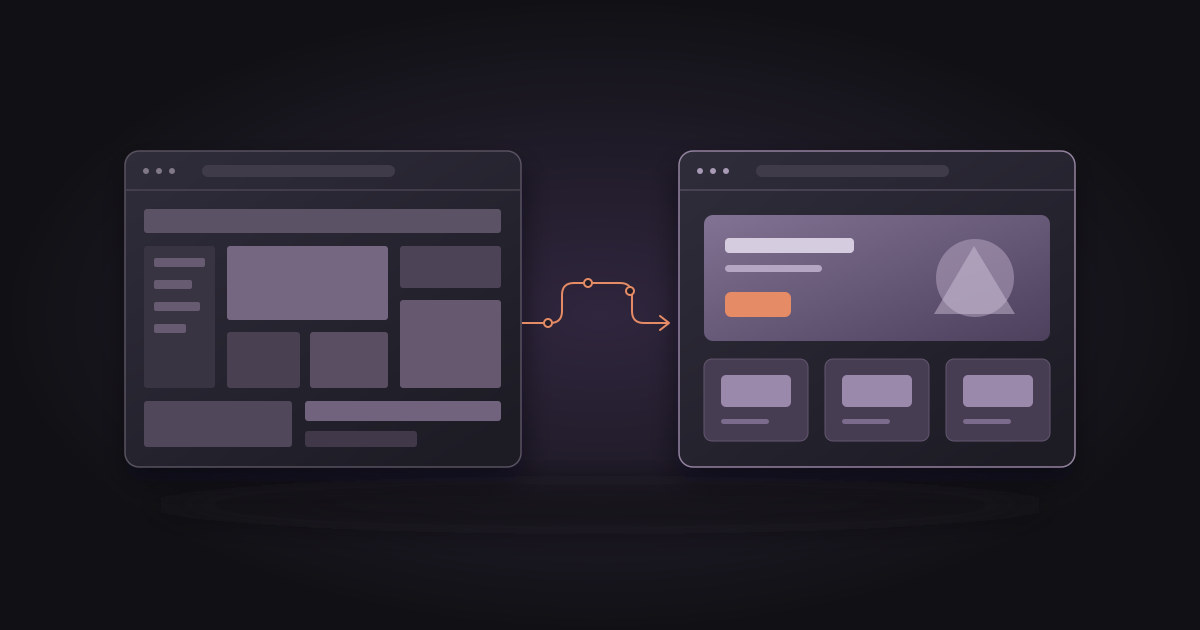
If you want the short answer: a website redesign makes sense when your site no longer does the job it exists for. It’s slow, looks poor on a phone, you can’t update it yourself, or it doesn’t bring in enquiries. A redesign is usually priced as a new build, because the site is rebuilt from scratch. With us that means from €349 for a simple site to €3,500 and up for custom projects. The biggest risk isn’t the cost. It’s losing your Google rankings if page addresses change without redirects.
Below you’ll find the signs that it’s time for a change, the difference between a refresh and a real redesign, typical costs, and the checklist we use so that Google traffic isn’t lost.
How do you know it’s time to redesign your website?
Age alone is not a reason. A five-year-old site can work perfectly well, and one built last year can miss the mark. Look at what the site does, not how old it is.
The site is slow or works poorly on mobile
Many visitors open your site for the first time on a phone. If they have to zoom to read, the buttons are too small or the page takes several seconds to load, some of them leave before they see what you offer. You can measure speed yourself with Google’s free PageSpeed Insights tool. We explain what the results mean and how to fix them in our article on website speed and Core Web Vitals.
You can’t edit the site yourself
If every small change means calling a developer or waiting for weeks, the site goes stale quickly. Prices, services and photos stay out of date, and visitors notice. A good small-business website needs either a simple way to edit content or a clear maintenance arrangement.
Your business has changed, but your website hasn’t
You’ve added services, dropped others, moved, or you now target a different kind of customer. When the site describes the company as it was three years ago, it sends the wrong people to the wrong pages. This is a common reason for a redesign, and often a more important one than the look itself.
The site doesn’t bring in enquiries
If you have visitors but no calls or messages, the problem is usually structure. The key information is buried, the call to action is unclear, or the contact form asks for too much. Before a redesign, check your visitor statistics: which pages people open and where they drop off.
The technology is outdated or insecure
Old content management system versions and plugins that are no longer updated are a security risk. If you’re wondering when a static site makes more sense than classic WordPress, read our comparison of WordPress vs Astro for small business.
Refresh or real redesign: what’s the difference?
Not every change is a redesign. The difference matters because the cost differs considerably too.
A refresh keeps the technical foundation and changes copy, photos, colours or the layout of a few sections. It makes sense when the site is fast, works well on phones and you can edit it, but it looks dated or no longer describes what you do today. This kind of work is usually billed by the hour.
A real redesign means a new structure, a new design and usually new technology. It makes sense when the problem is in the foundations: speed, mobile display, security or the inability to edit. There’s no point patching the old site here, because you’d be paying to fix something you’re going to replace anyway.
A simple rule: if more than half of the problems from the list above are technical, go for a redesign. If they’re mostly about content and appearance, a refresh is enough.
How much does a website redesign cost?
A redesign is priced as a new build, because the site is rebuilt from scratch and the existing content serves as the starting point. With us, the packages are the same as for a new site:
- Landing (one page): from €349
- Starter (1 to 3 pages, content editing): from €690
- Growth (5 to 10 pages): from €1,990
- Custom (custom online store or web app): from €3,500
Smaller fixes and refreshes without a rebuild are billed at €50 per hour. If you’d like someone to look after the site regularly after the redesign, maintenance starts at €49 per month, and static sites often don’t need it at all.
Three things affect the final price most: the number of pages, special features (bookings, payments, several languages) and who writes the copy. You can calculate an indicative range for your project with the calculator on our pricing page, and our guide to how much a website really costs goes into what drives the price up.
How do you redesign a website without losing Google rankings?
This is the step most often skipped, and the one that costs the most. Google learned your old site through its addresses (URLs). If the addresses change and the old ones lead nowhere, visitors from Google get a 404 error, and rankings you built over years slowly fade.
The checklist we use:
- List every existing address. Export them from the site’s sitemap and from Google Search Console. Search Console also shows addresses Google still remembers that you may have forgotten.
- Mark the pages that bring visitors. Keep the same address for them whenever possible, along with the main content, title and description.
- Build a redirect map. Every address that changes gets a permanent (301) redirect to its closest new equivalent, not to the homepage.
- Build on a staging address. While the new site is being built, it lives on a separate address that is hidden from Google (a noindex tag).
- Remove noindex on launch day. A forgotten noindex tag is a common mistake after launch. The site looks perfect, and Google doesn’t index it.
- Submit the new sitemap in Search Console and watch the report on pages returning errors for the next two to four weeks.
An example from our own work
When we redesigned our own website in September 2026, our web development service page moved from /usluge/web-razvoj to /usluge/izrada-web-stranica, because the new address contains the Croatian phrase people use when searching for that service. The old address didn’t disappear; it permanently redirects to the new one. We did the same for services we no longer offer: their addresses lead to the closest page that exists.
While reviewing Search Console, we also saw that Google still remembered addresses from an even older version of the site, the ones ending in .html. So we redirect those forms as well. Addresses like these are easy to miss if you only look at the current sitemap.
If you’re also working on local visibility, make sure the business name, address and phone number on the new site match your Google Business Profile.
What does the redesign process look like?
A good redesign doesn’t start with design, it starts with questions. Before the first draft we go through ten brand questions with the client: who the site speaks to, what sets the business apart from competitors, and what a visitor needs to do on the site. Only then come structure, design, copy and the build.
Roughly, the process has five steps:
- Review of the existing site: what works, what doesn’t and which pages bring visitors.
- Structure and content: which pages stay, which are merged and which are new.
- Design and build on a staging address.
- Pre-launch checks: mobile, speed, forms, redirects.
- Launch and monitoring in the first weeks.
How long this takes depends on the size of the site and how quickly copy and photos arrive. You’ll find realistic timelines by project type in how long it takes to build a website, and how we work step by step on our process page.
What should you prepare before asking for a redesign quote?
The quote is more accurate and the project faster if you have the following ready:
- the address of your current site and access to the domain and hosting (or at least the provider’s name),
- a list of what bothers you about the current site,
- two or three websites you like, with a short note on why,
- your list of services or products as it stands today,
- access to Google Search Console and your visitor statistics, if you have them.
Conclusion
A redesign isn’t cosmetic. It makes sense when the site no longer brings in enquiries, is slow, or can’t be maintained. In that case a rebuild pays off better than patching. If the technical foundation is sound, refreshing the content and look is often enough and much cheaper. Either way, the most important thing is to keep what Google already knows about you: the addresses, the content that ranks, and redirects for everything that changes.
If you’re not sure whether you need a redesign or just a refresh, fill in our short questionnaire with your site’s address and we’ll get back to you. Sending it doesn’t commit you to anything. You can see examples of sites we’ve built in our references.